
Search Camden County Court Records
The main online path for Camden County court records is the NC eCourts Portal. The Portal landing page offers Smart Search for court records and case information, Search Hearings for court dates, Make Payments for eligible criminal, infraction, probation, and parole matters, and NC Judgment Search for indexed judgments. Camden County does not have a separate county-run court case database in the researched official sources, so statewide eCourts tools are the first stop for public case lookup.
Portal access requires JavaScript, cookies, and a supported browser. Tyler Technologies also requires a CAPTCHA challenge every ten minutes for anonymous, registered, and elevated access users. Basic public searches can start from the landing page, but some documents or professional functions may require registration or elevated access. Portal is not the official path for a certified criminal background check; the statewide court records help material directs background-check users to the county clerk's office.
- Open the Camden County Judicial Branch page or go directly to NC eCourts Portal.
- Choose Smart Search for case records and case information. Search by party name, citation number, case number, or other identifying data.
- Use Camden County as the county filter when the live interface gives a county option.
- Choose Search Hearings instead when the goal is a court date, hearing setting, attorney calendar, or date range lookup.
- Check the civil and criminal calendar paths when the question is a docket or calendar question rather than a full case-file question.
- Contact the Camden County Clerk of Superior Court if Portal does not show the record, the file is older, a certified copy is needed, or the search is for a background check.
The Judicial Branch court records help topic is the statewide reference point for online access and record limits. The North Carolina court records help page explains court records, background checks, and expunction topics for the same system Camden County uses.
The Judicial Branch source for court record access is shown in the manifest as the court records help topic.
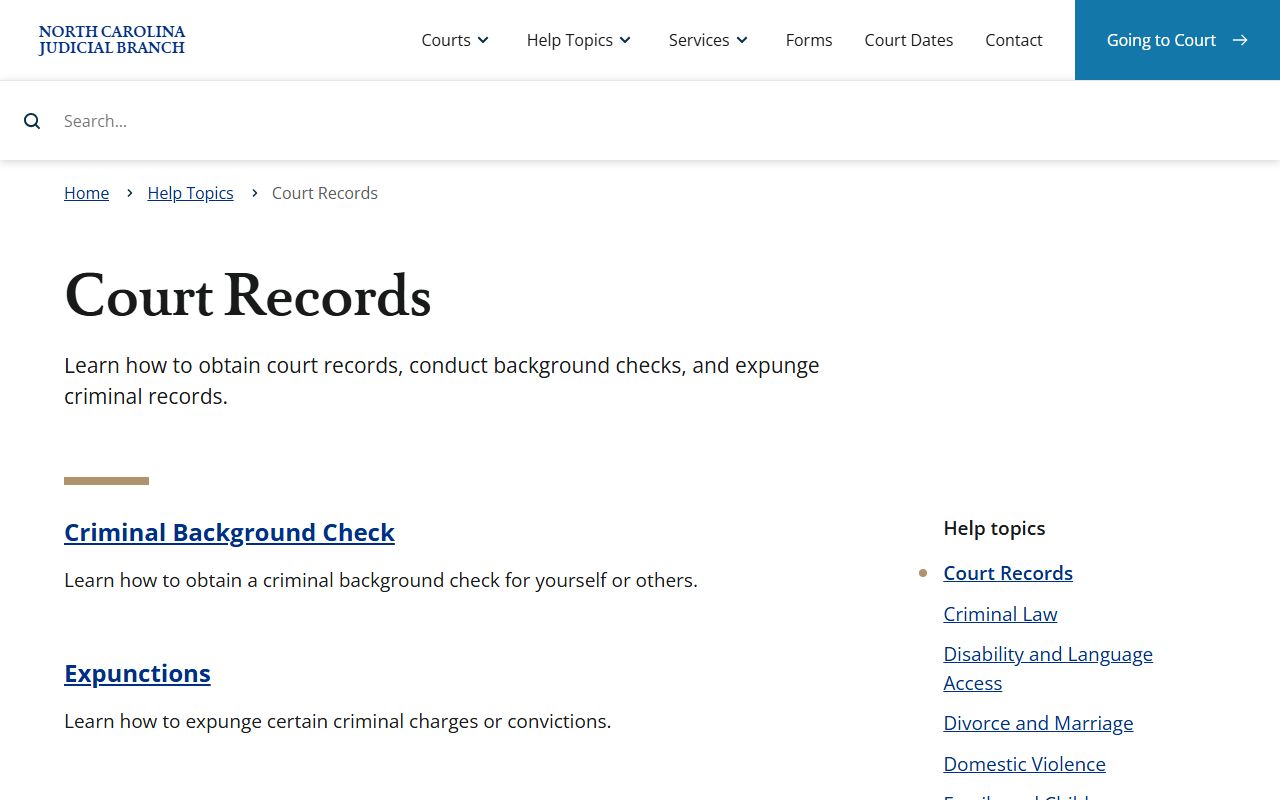
That statewide help page matters in Camden County because court records are kept in the North Carolina court system, not in a separate local search product.
Camden County Court Search Fields
The Smart Search fields are built for broad public lookup. The research confirmed the public Portal landing controls and Judicial Branch descriptions, while live record profiles are gated by JavaScript and CAPTCHA. Treat a Portal result as a starting point: it can identify the case, parties, court location, hearing data, and public docket history, but it may not show every document or every confidential detail.
| Field Label | Type | Required | Notes / Format |
|---|---|---|---|
| Smart Search | Text | Unspecified | Used for case records and case information; Camden searches may use name, citation number, county, and more. |
| Register / Sign In | Account controls | Optional for basic search | Registration or elevated access may affect document visibility or professional-use features. |
| CAPTCHA | Challenge | Required periodically | Portal notice says a CAPTCHA challenge appears every ten minutes for anonymous, registered, and elevated users. |
| Search button | Button | Yes | Submits the Smart Search workflow after search data is entered. |
The separate obtaining court records help page says Portal can be used for case information, including civil, special proceeding, and estates cases. It also points users away from Portal when the task is a criminal background check, which is a key distinction for Camden County court records.
The manifest source for the statewide access instructions is the obtaining court records page.
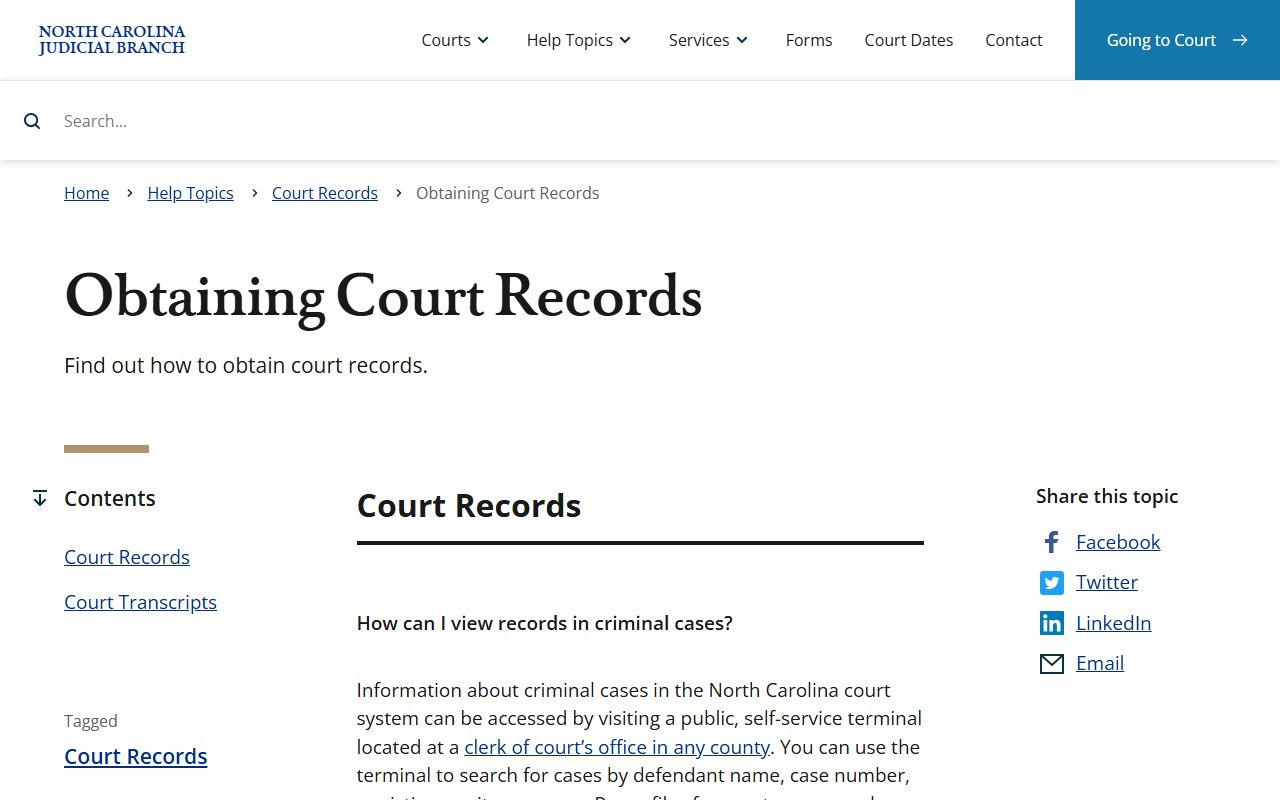
That source supports the Camden County fallback rule: Portal is useful, but the Clerk of Superior Court is still the channel for official copies and certain searches.
Camden County Court Record Types
Camden County court records come from North Carolina's unified General Court of Justice. Superior Court handles felony criminal cases, higher civil matters, special proceedings context, and some appeals. District Court handles misdemeanors, infractions, many traffic matters, domestic cases, juvenile matters, small claims appeals, and lower civil disputes. Magistrates work within District Court and handle initial appearances, warrants, small claims, summary ejectments, and marriage ceremonies.
The record category matters because the public access path may differ. A traffic citation may be visible through Portal or payment tools if eligible. A divorce judgment is obtained from the Clerk of Superior Court in the county where the divorce was granted. Birth, death, marriage, land, notary, military discharge, and assumed business name records are handled by the Camden County Register of Deeds rather than the court clerk.
- Criminal court records may show filed charges, hearings, pleas, motions, attorney information, disposition, costs, probation, and sentence data when public.
- Civil court records may include complaints, summonses, answers, motions, orders, judgments, liens, and docket entries.
- Family and domestic files may include divorce judgments, custody and visitation matters, support issues, and protective-order records, with access limits for sensitive files.
- Estates and special proceedings are handled through the Clerk of Superior Court and may appear in Portal, but copies and older records rely on the clerk.
- Traffic records are court records when filed in District Court, but they are not the same file as a state driver record.
- Warrant and magistrate records may touch court files, but active warrant checks depend on sheriff, magistrate, clerk, attorney, and law-enforcement channels.
Filing tools are also statewide. The File & Serve training page documents attorney eFiling requirements and registration, while the Guide & File training page supports selected self-represented forms.
The manifest includes the official File & Serve training resource used with Camden County court records.
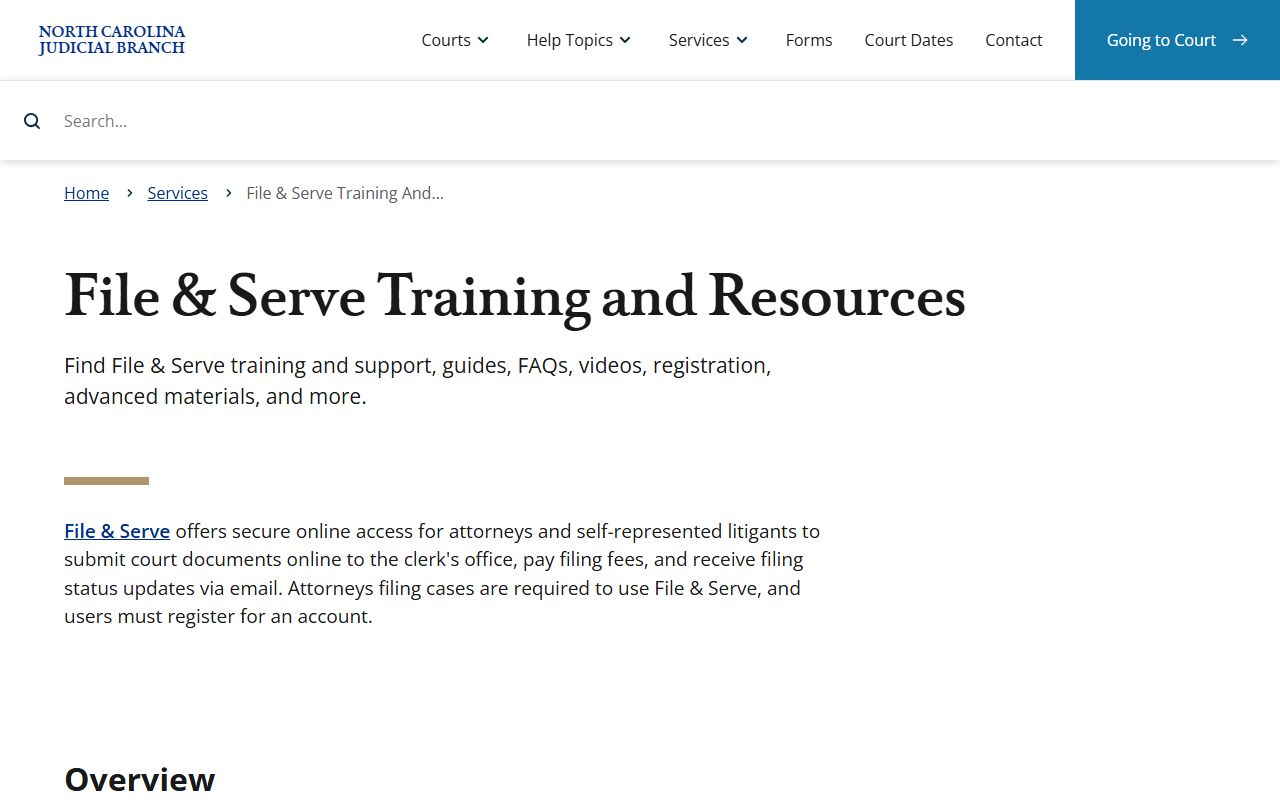
File & Serve is part of the record life cycle because electronic filings can become docket entries and court documents in public or restricted case files.
What Camden County Court Records Show
A Camden County court record usually identifies the file, the court location, the case type, parties, attorneys, filings, hearing events, docket entries, and the current or final outcome. Criminal and infraction cases may also show charges, count information, offense class, charge status, sentence terms, probation, restitution, and payment eligibility. Civil and estates files use different party labels, such as plaintiff and defendant, petitioner and respondent, or decedent and estate.
| Field | What It Shows |
|---|---|
| Case number / file number | The identifier used by the Camden County court system to track the case. |
| Court location | Camden County Courthouse and the assigned trial division when public. |
| Case type | Criminal, infraction, civil, domestic, special proceeding, estates, juvenile, traffic, or judgment category. |
| Parties | Plaintiff, defendant, State, petitioner, respondent, decedent, estate, or other party labels. |
| Hearing date | Date, time, courtroom or session, hearing type, and judicial assignment when visible. |
| Docket entries | Filed documents, notices, orders, continuances, motions, judgments, pleas, and dispositions. |
| Disposition | Outcome such as dismissed, guilty, not guilty, responsible, judgment entered, settled, or transferred. |
| Redactions | Hidden personal identifiers, juvenile information, sealed material, adoption data, protected addresses, and confidential exhibits. |
Documents are not always as open as index information. The research notes that Portal may show case information, records, and documents, but document visibility may depend on public access level, registration, confidentiality, or elevated access. A docket entry can prove that a filing exists without giving every reader the filing itself.
Camden County Court Records Access
North Carolina's public access framework starts with G.S. Chapter 132, the public records chapter for public agency records unless another law restricts access. Court records also rely on G.S. 7A-109, which addresses clerk record keeping and remote electronic access to clerk data under state terms. Copy access and lawful copy fees are addressed by G.S. 132-6.2.
The practical Camden County rule is simple. Start online for public case information and hearing searches. Use the Camden County Clerk of Superior Court when a case does not appear online, the file is old, a certified copy is needed, a background check is needed, or a public record has to be requested outside the normal Portal path. The Judicial Branch public records request page is the official state path for existing public records not otherwise handled by Portal or the local clerk.
Note: Public access does not override sealed, juvenile, adoption, mental-health, expunction, or protected-identifier rules in Camden County files.
The manifest source for this fallback channel is the Judicial Branch public records request page.
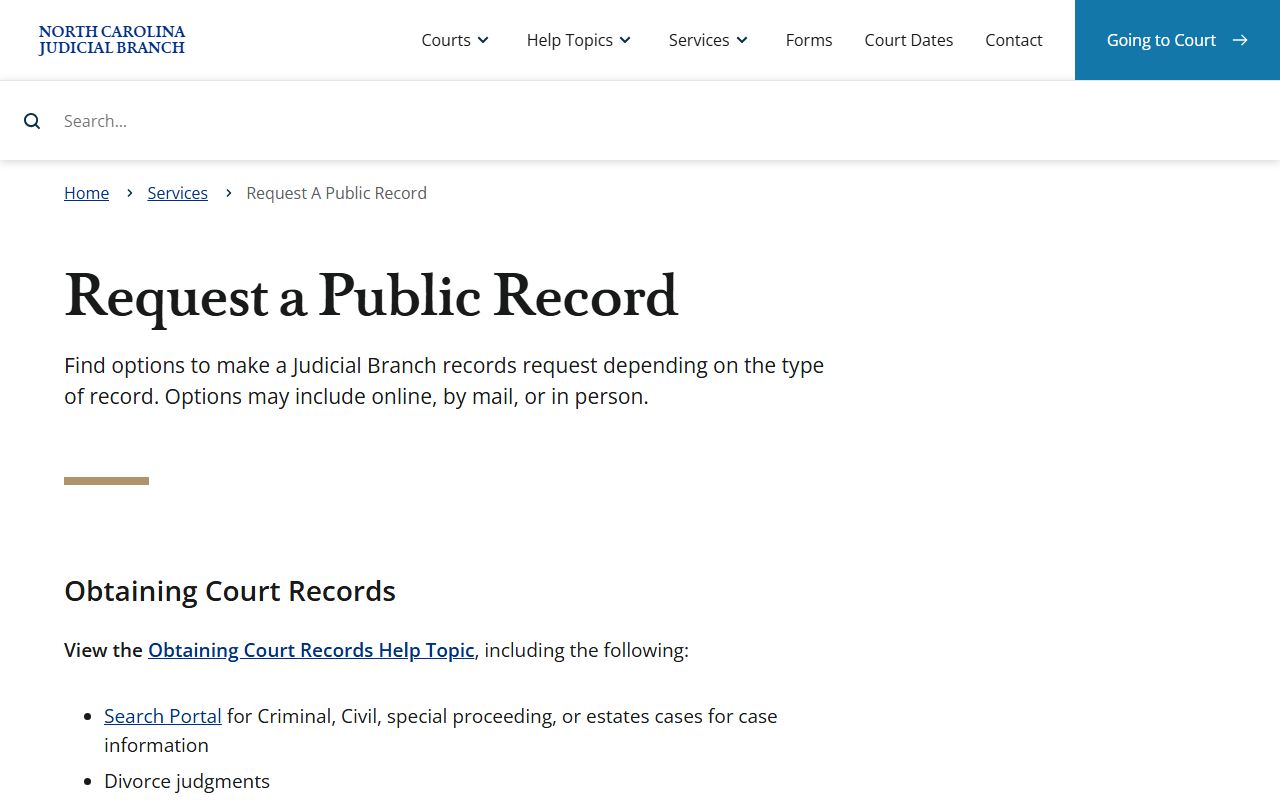
That request path fills the gap when a Camden County record is public but not available through a normal case search screen.
Restricted Camden County Court Records
Some Camden County court records are not open to general public inspection. Juvenile records are controlled by G.S. 7B Article 30, which withholds juvenile court and law-enforcement records from public inspection except for authorized people or by court order. Sealed records require legal authority to inspect, and expunged records are cleared from public view under state expunction rules.
Adoption records are also restricted. Camden's vital records FAQ states that original birth records after adoption are not available because North Carolina law prohibits public inspection of adoption records. Mental health commitment matters should be treated as restricted and verified through the clerk rather than Portal. Social Security numbers, full financial account numbers, protected addresses, minor identities, and confidential exhibits may be redacted from otherwise public files.
Vital records have their own limits. Camden's FAQ allows requests for uncertified birth and death copies, but certified copies are limited to people with statutory family status, legal representation, or a documented legal interest. Those vital records are Register of Deeds records, not ordinary court case records.
Camden Clerk Record Requests
The Clerk of Superior Court is the local fallback for Camden County court records. Use the clerk for certified copies, background-check routing, older files, estates and special proceedings copies, divorce judgments granted in Camden County, and records that are not clear from the public Portal result. The clerk is also the office tied to court filings and official court record custody.
Camden County Clerk of Superior Court
117 NC Hwy 343 North
Camden, NC 27921
252-336-4000
Monday through Friday, 8:30 a.m. to 5:00 p.m.
Guide & File is a separate self-help filing tool, not a court records database. The manifest source for that tool is the Guide & File training resource.
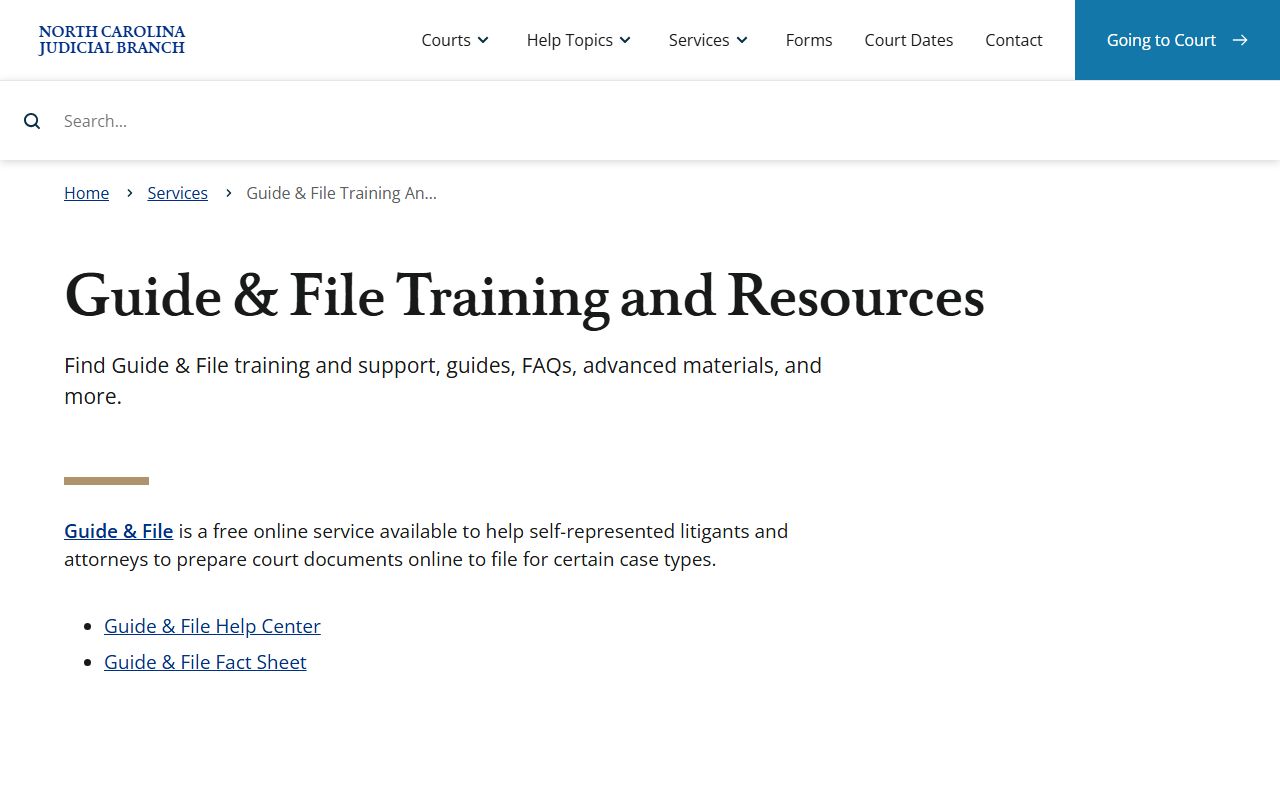
That distinction helps keep searches clear: filed cases and documents are record issues, while Guide & File is used to prepare selected court forms.